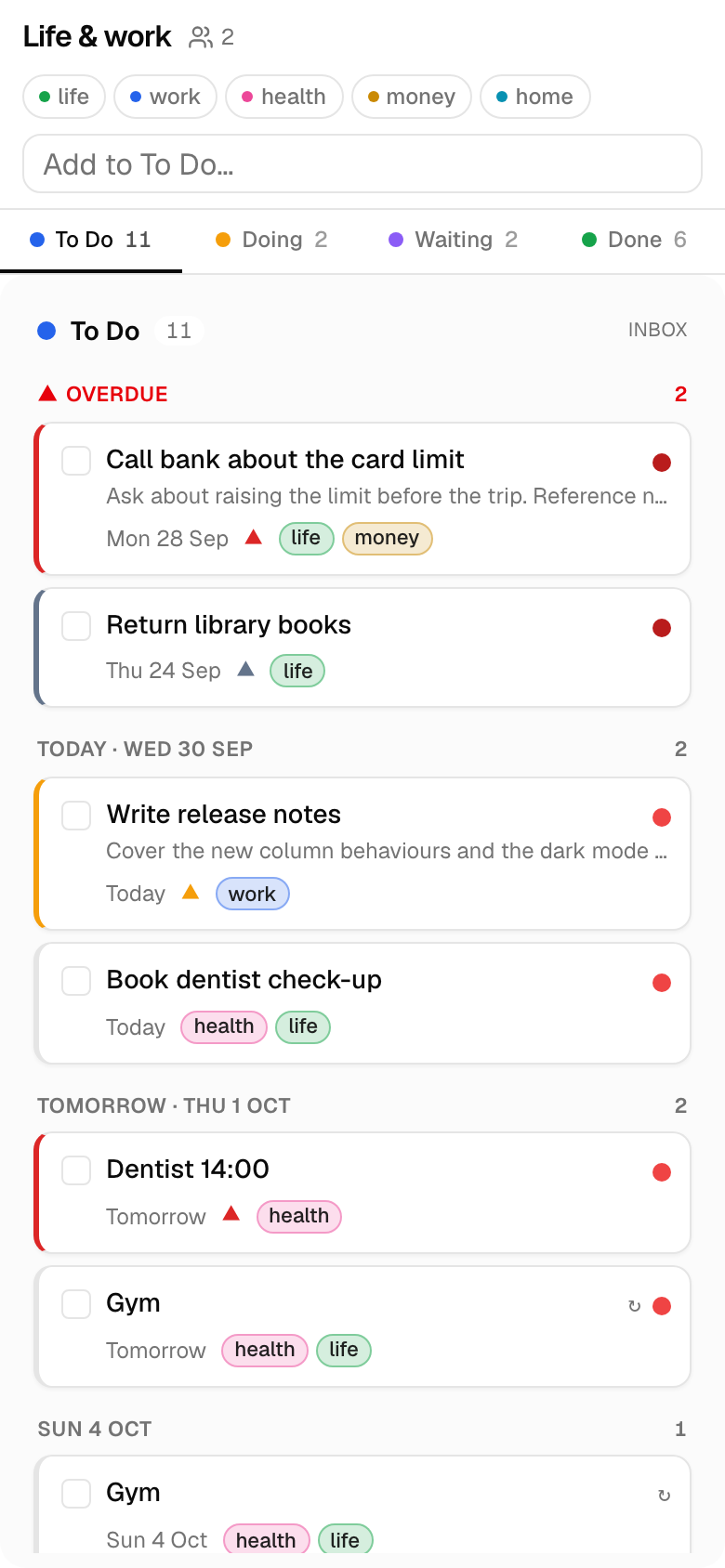
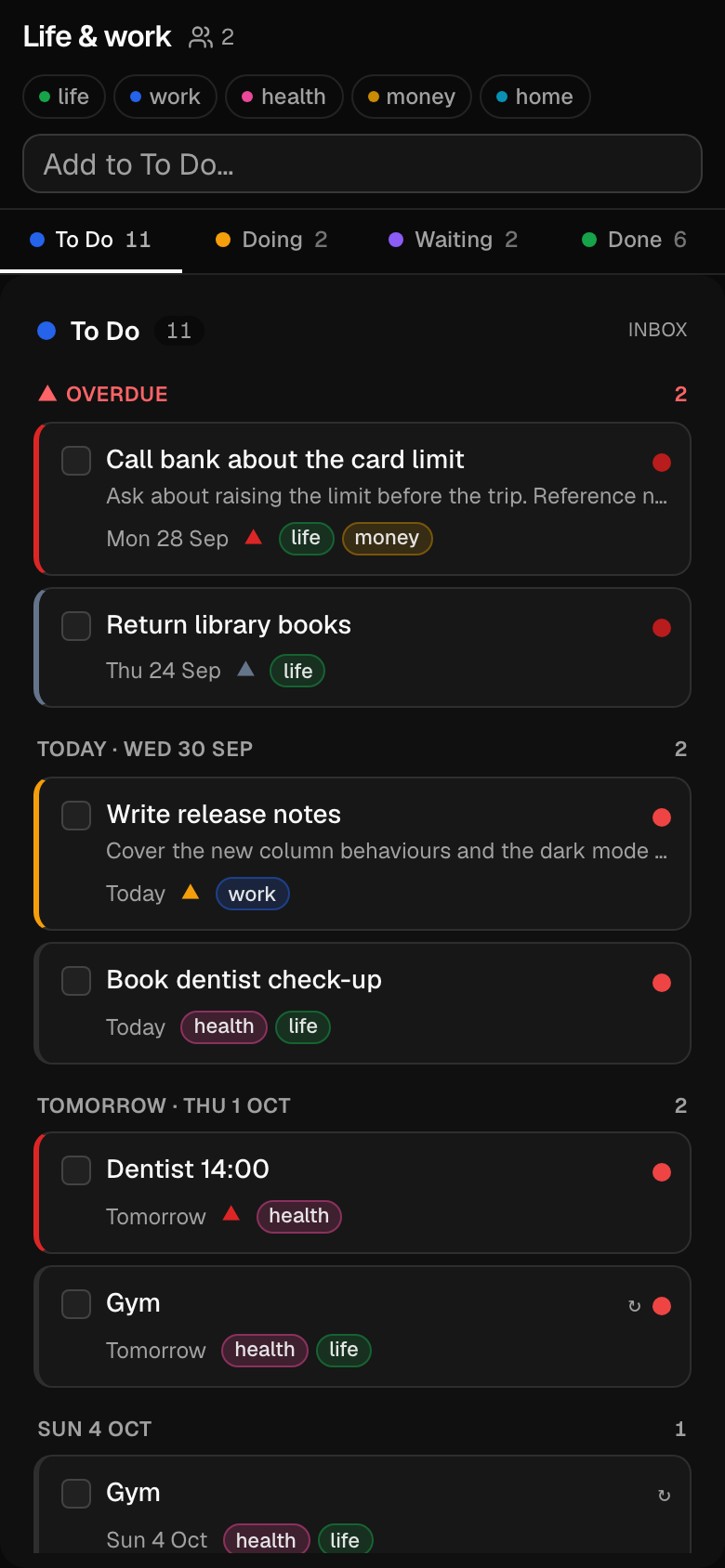
A kanban whose To Do column reads like an agenda
Kanvan is for life admin and the small work tasks that never earn a ticket: renew the passport, call the bank, check the docs still match the code. Status columns say what state a card is in. The To Do column says what you are doing today.
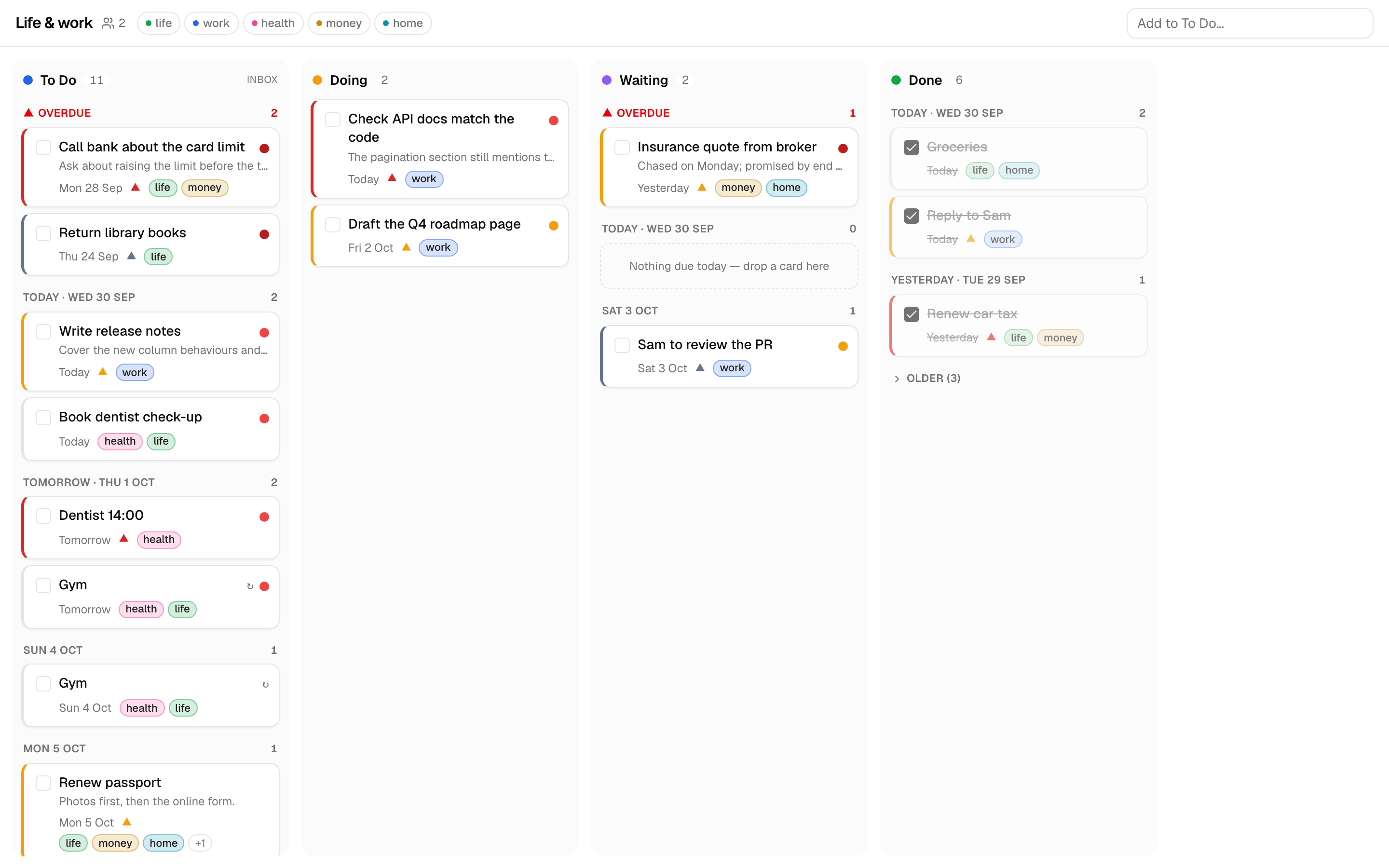
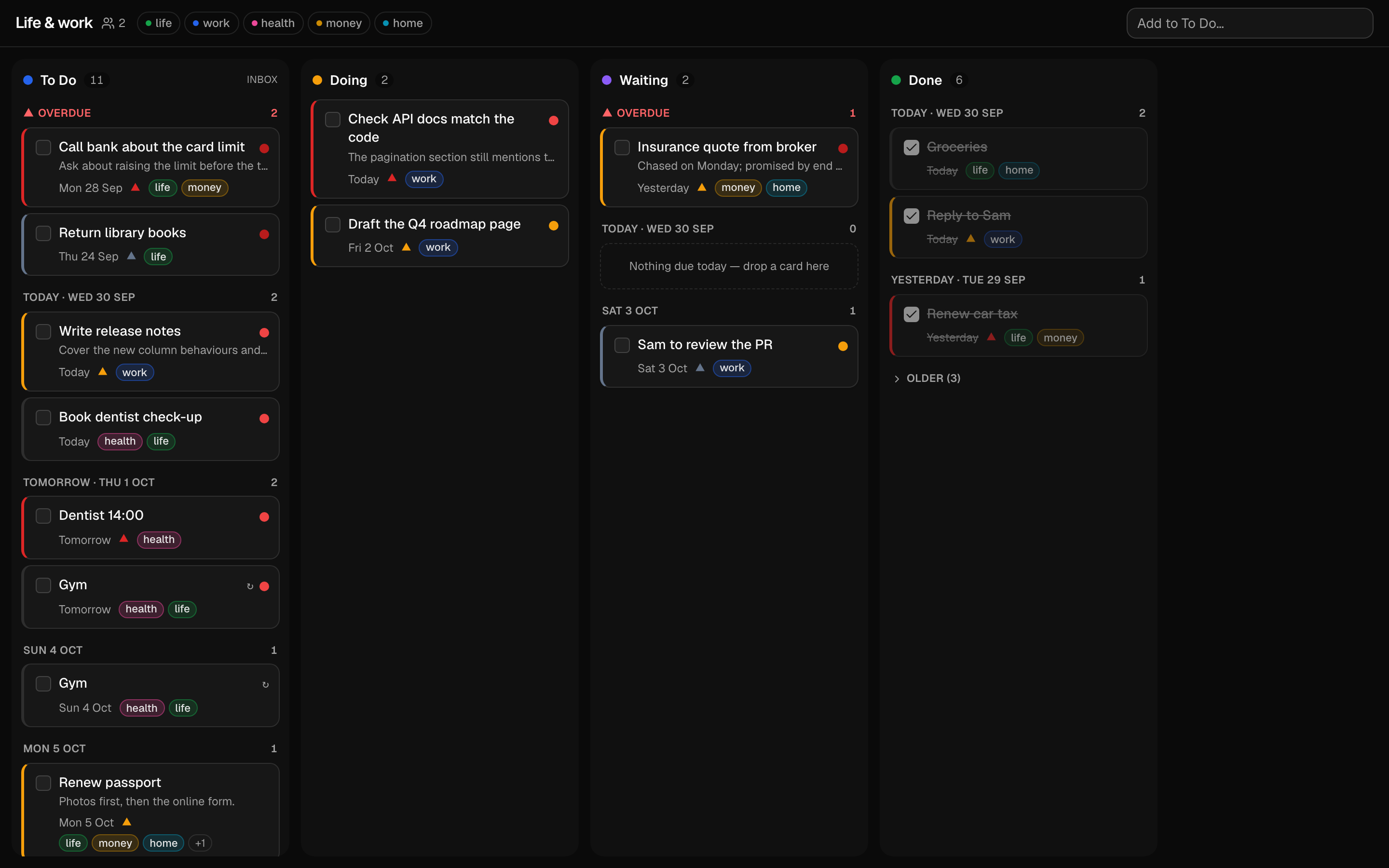
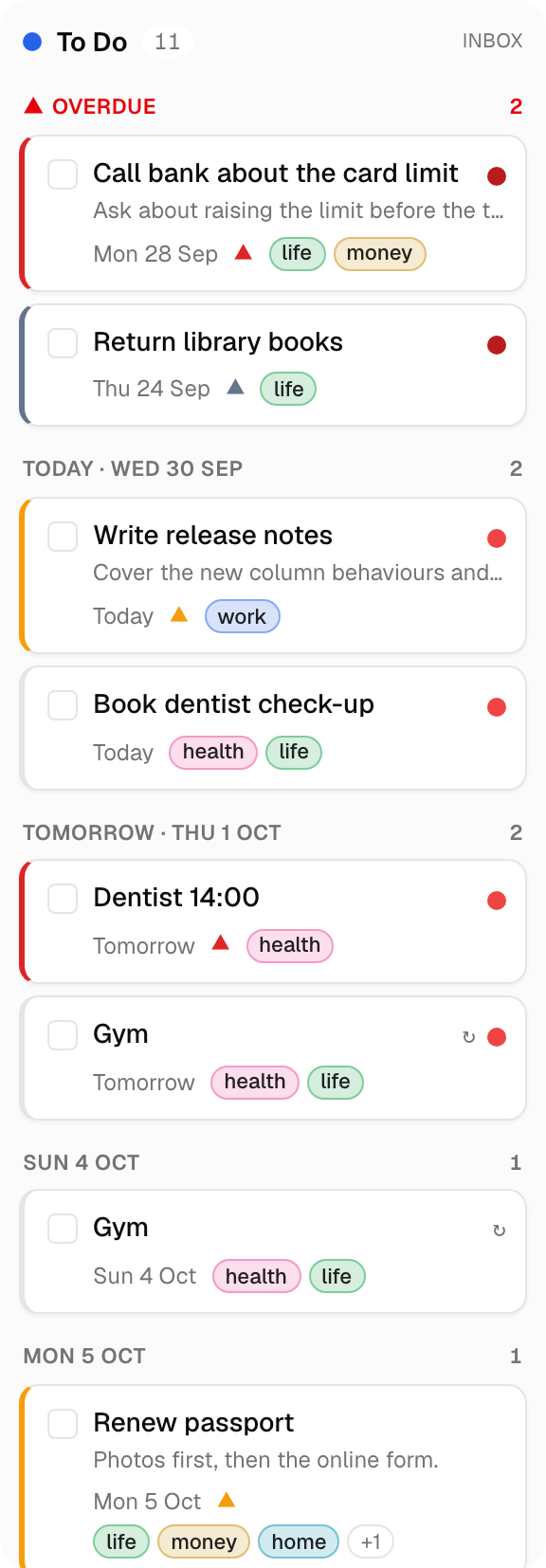
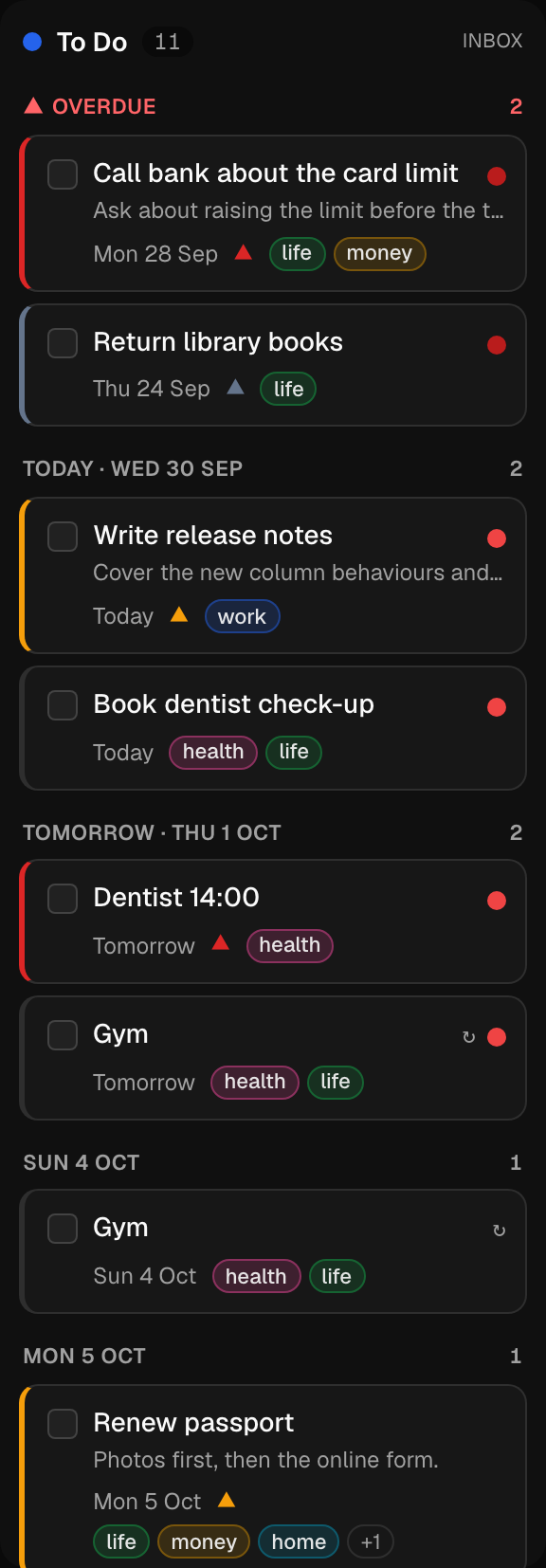
A To Do column that reads like an agenda
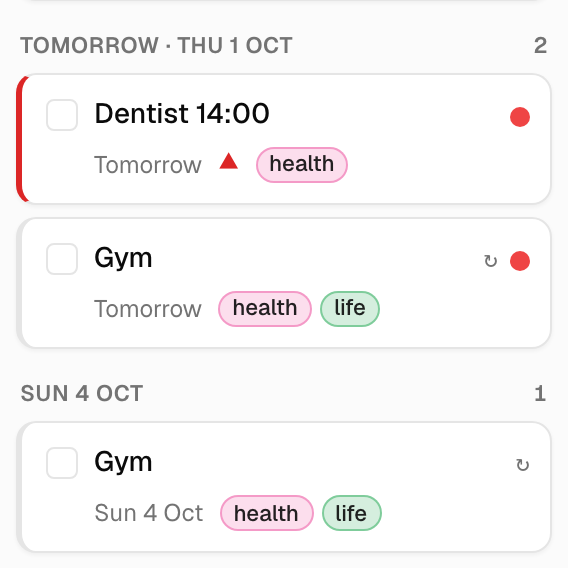
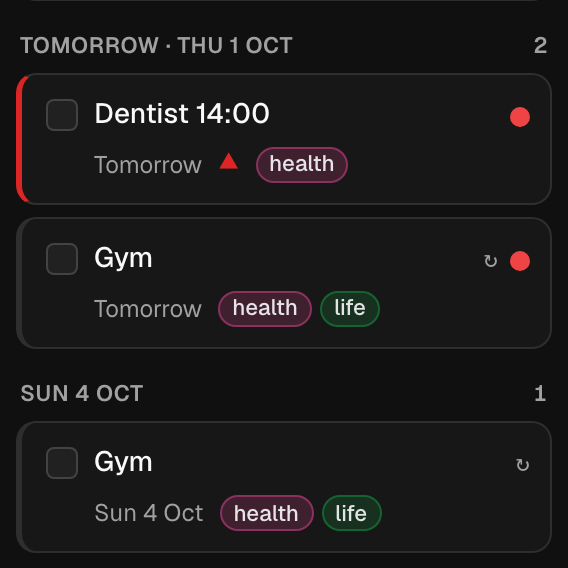
Cards in the To Do column sit under Overdue, Today, Tomorrow, the next few named days, Later and No Date. Overdue cards are pinned to the top, so a Monday card seen on Tuesday does not sink into a backlog.
Drag a card into another day group and its due date changes to match.
Columns carry behaviours, not fixed roles
Every column is a set of independent switches: how it groups cards, the sort chain it orders them by, whether it pins overdue cards, whether entering it marks a card complete, whether old groups collapse, and whether new cards land there.
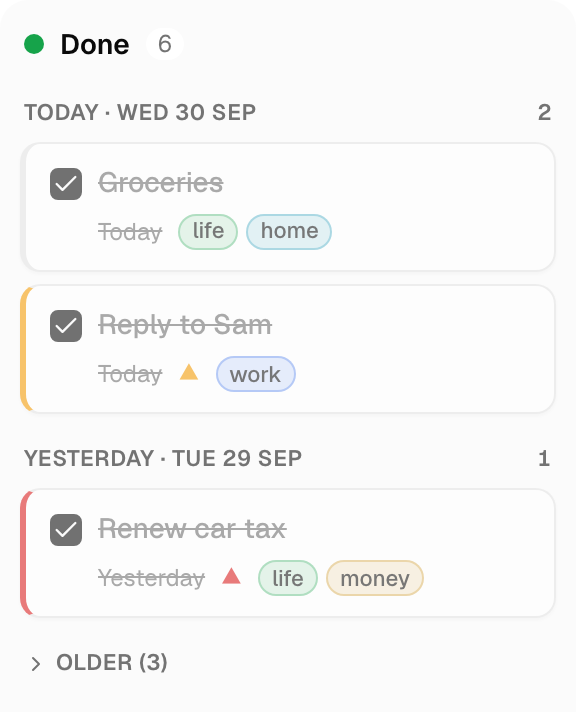
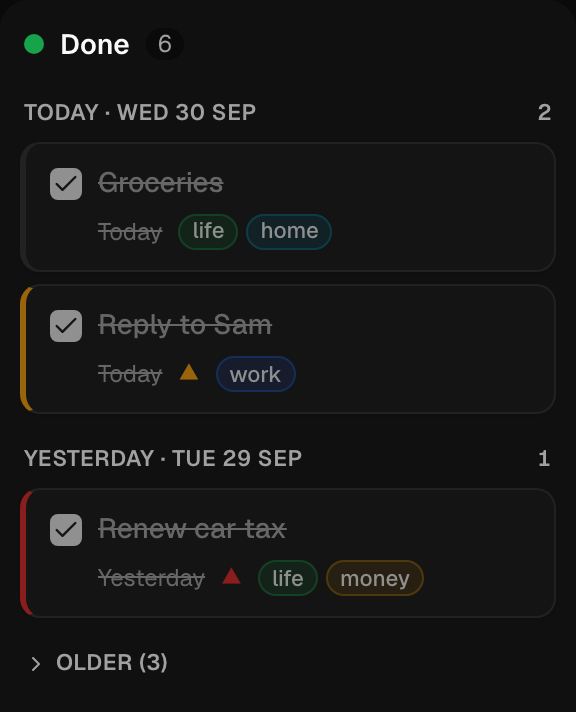
A Waiting column can be date-grouped with overdue pinned, so a chased-up card past its date is seen. A Done column can group by completion day and fold everything older than a week.
- By completion date
- Completed at ↓then manual
- After 7 days
Pin overdue is only available with due-date grouping.
Cards show what matters at a glance
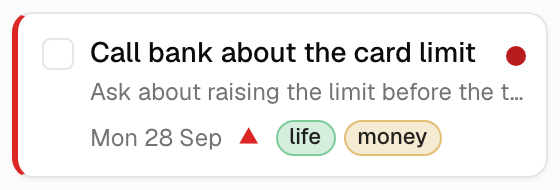
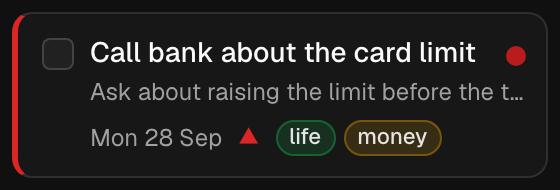
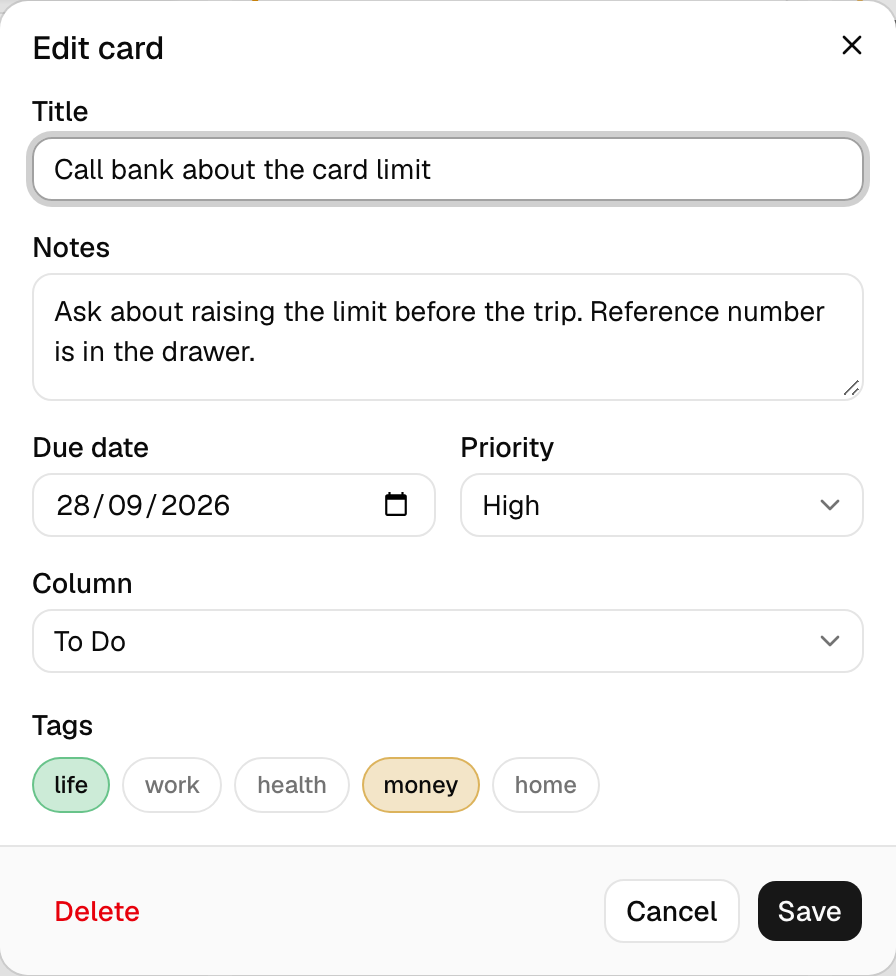
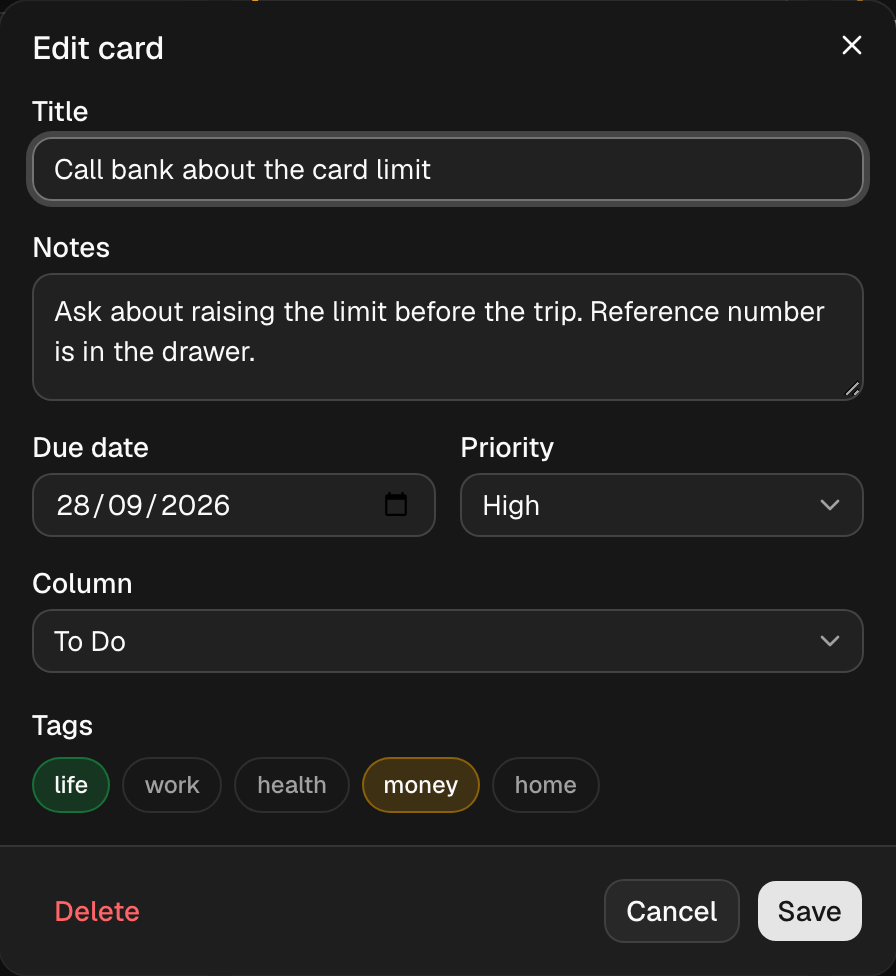
Due-date urgency shows as a badge, priority as the left edge, tags as chips. Each is a signal mapped to a slot, and the mapping is yours: put urgency on the border, priority on a marker, or switch a slot off.
The thresholds for soon and imminent, and their colours, are per user. The card itself only reads the mapping.
Recurrence spawns plain cards
A template says how many cards to spawn per day, week or month. Each period it creates that many ordinary cards, due on the period's last day and marked ↻.
Because they are plain cards, ticking one records the day it was actually done, and each can be dragged to a chosen day or moved through Doing. Anything still open when the period ends simply becomes overdue, left for you to deal with by hand.
Every change is on the record
Each change to a board writes an activity entry: who, when, what changed, and the state before and after.
Deleted cards can be restored. Edits can be reverted, and the revert is itself logged. Nothing is purged.
- Moved
Draft the Q4 roadmap page
Doing → Waiting · Today 14:02
- Edited
Call bank about the card limit
Due date Mon 28 Sep → Wed 30 Sep · Today 11:40
- Deleted
Old insurance letter
From To Do · No Date · Yesterday 18:15
- Completed
Reply to Sam
Entered Done · Yesterday 10:05
Showing structural changes. Nothing is ever purged.
How it compares
Pieces of this exist elsewhere. Trello, Todoist, TickTick and Notion offer board and calendar layouts over the same items. Sunsama and other daily planners put days in columns and let you drag cards onto them. What none of them combine is status columns with day groups inside a single column, overdue cards pinned at the top, and “N times per period” recurrence that spawns plain cards. Kanvan is that combination, and deliberately not much more.
The same board on a phone
One column per screen, swiped sideways with a switcher at the top; drag starts with a short press-and-hold so scrolling still works.